The Ultimate 2026 AI Cheat Sheet: 10 Underground Tools & Advanced Tricks to Automate Your Workflow
On This Page
- Introduction: Welcome to the Automation Era
- 1. Zero-Cost Local Agents: Ollama, Agent Zero, and Arch Linux
- 2. The Next-Gen Coding Stack: Cursor Composer, Rust, and Supabase
- 3. Defensive & Offensive Cyber AI: Ghidra, Burp Suite, and CTFs
- 4. E-Commerce Autopilot: Shopify, Dropshipping, and Content Generation
- 5. Financial Intelligence: Tracking RuPay Cards and ETFs
- 6. The Uncensored Sandbox: Perchance AI and Creative Freedom
- 7. The Any-to-Any Video Hack: Maximizing Omni
- 8. Meeting Assassination: Granola and Deep Context
- 9. The Metacognition Prompting Masterclass
- 10. Hardware Optimization: Building the Ultimate Workstation
- Conclusion: The Future is Automated
- Further Reading
Key Takeaways
- Run zero-cost local AI agents with Ollama and Agent Zero on Arch Linux for private, unlimited autonomous execution
- Supercharge full-stack development with Cursor Composer, Rust, and Supabase for AI-assisted coding
- Deploy AI for offensive and defensive cybersecurity — Ghidra decompilation, Burp Suite analysis, and SOC-level log monitoring
- Automate Shopify dropshipping, financial portfolio tracking, video production, and meeting intelligence with custom Python AI agents
- Master metacognition prompting to force AI models into self-correcting expert-level reasoning loops
🔗 Back to Home: SimpleAIGuide.tech 📚 Explore More Guides:
- Best AI Tools for 2026
- AI in Cybersecurity 2026
- DeepSeek TUI — Rust AI Coding Agent
- Master Prompt Engineering 2025
Introduction: Welcome to the Automation Era
We are halfway through 2026, and the landscape of artificial intelligence has fundamentally shifted. We are no longer living in the era of basic chat interfaces where you type a question and wait for a paragraph of text. We have entered the era of the agentic web. AI models are now executing code, navigating operating systems, and managing databases autonomously.
Juggling a B.Tech in CSE while managing side projects, analyzing cybersecurity logs, and running digital storefronts demands extreme efficiency. The traditional approach of manually handling every aspect of a tech stack is dead. To stay ahead, you need to leverage tools that multiply your output without inflating your costs.
In this massive, definitive guide for simpleaiguide.tech, we are moving past the generic, surface-level AI tips you see on social media. I am going to walk you through highly technical, underground tools and specific workflows that I use to automate everything from software engineering and server management to e-commerce and financial tracking.
We will dive into setting up zero-cost local agents, leveraging AI for reverse engineering and CTF challenges, automating Shopify dropshipping operations, and writing flawless backend code in Python and Rust. Grab a coffee, fire up your terminal, and let’s dive into the ultimate 2026 AI cheat sheet.
1. Zero-Cost Local Agents: Ollama, Agent Zero, and Arch Linux
One of the biggest misconceptions in the AI space is that you need a massive enterprise budget or a $200/month API subscription to run highly capable autonomous agents. The truth is, the open-source community has completely democratized access to frontier-level intelligence.
If you are running an Arch-based Linux distribution — whether that is CachyOS, Garuda Linux, or a highly customized Archcraft setup with Hyprland — you already have the perfect environment for local AI. These rolling-release distros offer unparalleled resource efficiency, allowing you to dedicate maximum GPU and RAM resources directly to your AI models.
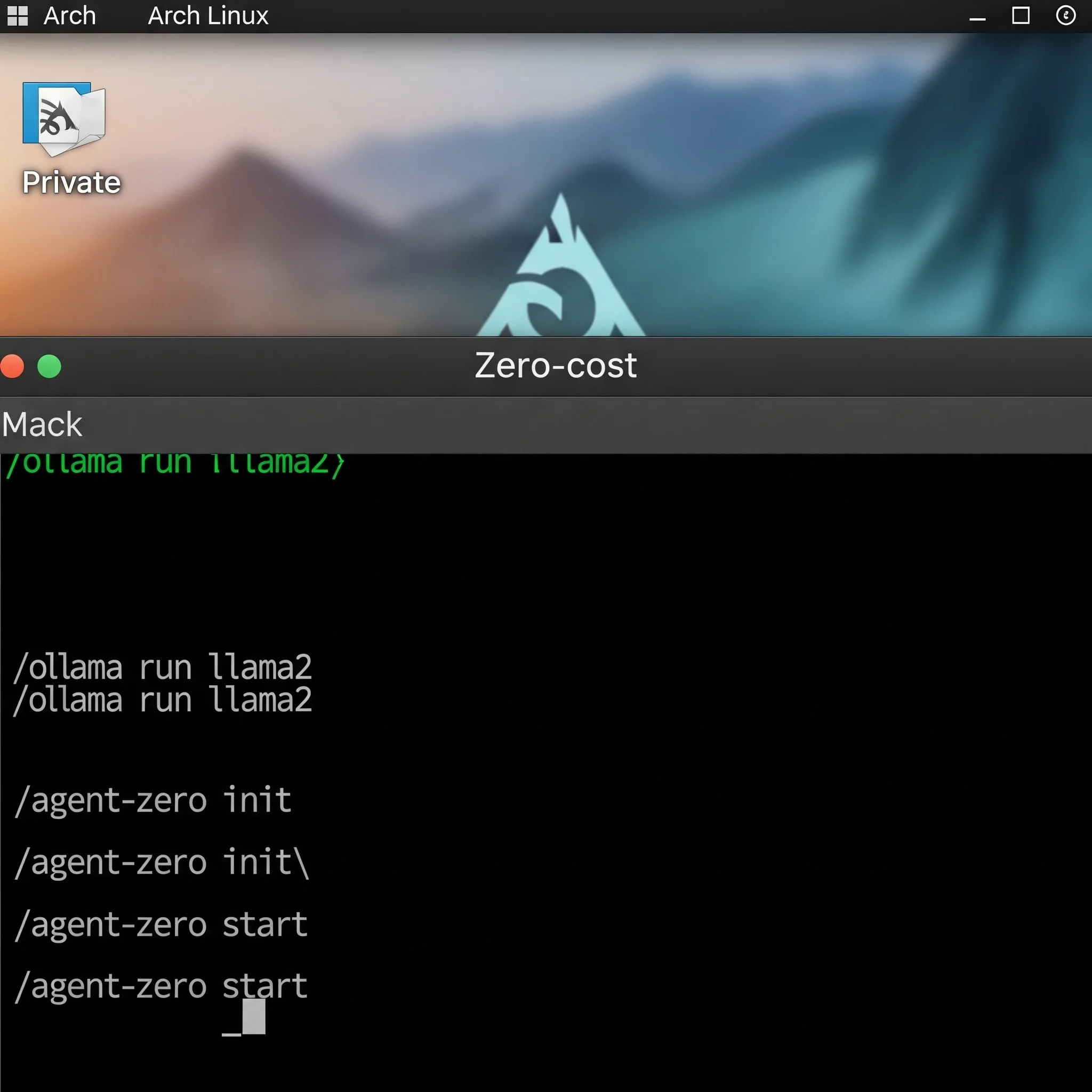
The core of this workflow revolves around Ollama and Agent Zero. Ollama allows you to run large language models (LLMs) locally on your machine with a single command. By pulling down a quantized version of Llama 3 or Mistral, you can establish a local inference server that operates with zero latency and absolute privacy. This means your data never leaves your machine.
To take this to the next level, we integrate Agent Zero. This framework transforms a static local model into an autonomous system. By writing custom Python scripts, you can grant Agent Zero access to your local file system, your terminal, and your web browser. Imagine having a background process running in your Hyprland workspace that autonomously monitors your system logs, updates your packages, and scrapes web data without you ever lifting a finger.
Setting this up requires a few specific commands. First, ensure your NVIDIA drivers and CUDA toolkits are perfectly optimized on your Arch setup. Then, install Ollama via the AUR. Once your local model is running, clone the Agent Zero repository. The true magic happens when you configure the config.yaml file to route the agent’s logic through your local Ollama port (usually localhost:11434) instead of an external API. This gives you unlimited, free agentic execution.
2. The Next-Gen Coding Stack: Cursor Composer, Rust, and Supabase

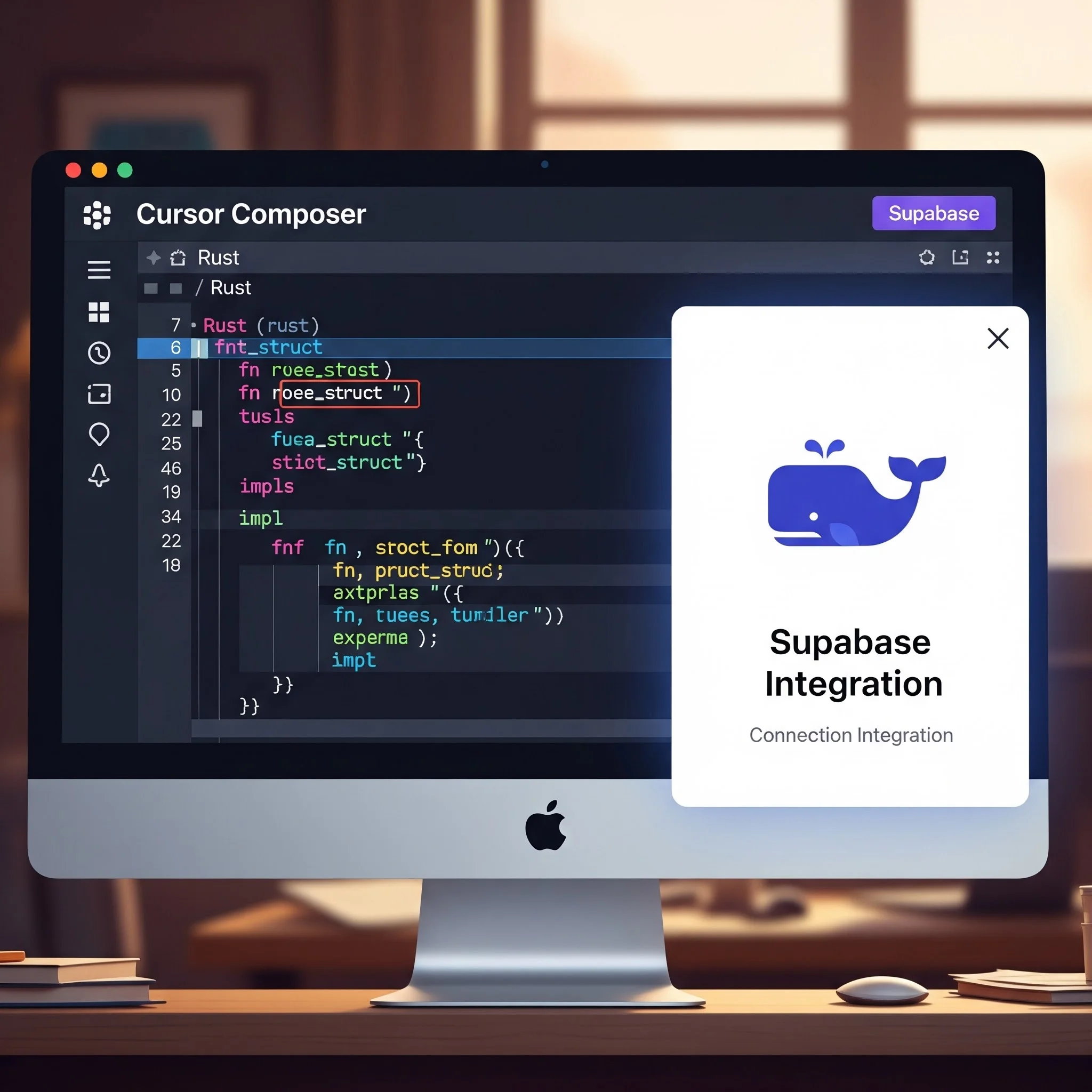
Software engineering has evolved from syntax memorization to architectural orchestration. Writing boilerplate code is a waste of time. The modern developer’s secret weapon is Cursor Composer 2.5.
Cursor is not just an auto-complete tool; it is an AI-native IDE that understands the entire context of your codebase. When building full-stack applications — especially those requiring high-performance backends — this tool is indispensable.
Consider a scenario where you are developing a backend in Rust, known for its steep learning curve and strict memory safety protocols. Instead of fighting the borrow checker for hours, you can prompt Cursor to generate the foundational Rust structures, implement the traits, and write the compile commands. It acts as an elite pair programmer that never sleeps.
Pairing this with Backend-as-a-Service (BaaS) platforms like Supabase or self-hosted Appwrite instances creates an incredibly potent stack. You can instruct your AI to generate the exact TypeScript definitions needed to interact with your Supabase PostgreSQL database. It can write the authentication logic, set up row-level security (RLS) policies, and deploy edge functions in a fraction of the time it would take manually.
The trick to maximizing Cursor is providing it with high-level architectural constraints. Do not just ask it to “write a login function.” Ask it to “implement a secure JWT authentication flow in TypeScript, interacting with a Supabase backend, utilizing best practices for error handling and state management.” The specificity of your prompt dictates the quality of the generated code.
3. Defensive & Offensive Cyber AI: Ghidra, Burp Suite, and CTFs
Artificial intelligence is rapidly changing the landscape of cybersecurity. Whether you are actively competing in Capture The Flag (CTF) events like the DEF CON DCG9144 finale, or managing the security posture of an online platform, AI tools are a massive force multiplier.
In offensive security and reverse engineering, tools like Ghidra are industry standard for decompiling binaries. However, parsing the often messy, pseudo-C code that Ghidra outputs can be incredibly tedious. This is where you can leverage local LLMs. By piping the decompiled output directly into a local model running via Ollama, you can prompt the AI to identify potential buffer overflows, format string vulnerabilities, or logic flaws. It acts as a highly specialized vulnerability scanner that understands context.
On the web application side, integrating AI with tools like Burp Suite is becoming a common practice. You can feed complex HTTP request and response logs to an AI to help identify subtle Cross-Site Scripting (XSS) or Insecure Direct Object Reference (IDOR) vulnerabilities that automated scanners might miss.
Defensively, AI is invaluable for threat hunting and log analysis. If you manage a website secured by Wordfence, you are likely bombarded with thousands of access logs and block reports. Instead of manually parsing these, you can write a Python script that feeds these logs into an AI model. The model can instantly identify patterns of malicious behavior, highlight specific IP ranges executing credential stuffing attacks, and automatically suggest firewall rules to mitigate the threat. It is like having a Level 1 Security Operations Center (SOC) analyst working for you 24/7.
For a deeper dive into AI-powered security operations, see our AI in Cybersecurity 2026 guide.
4. E-Commerce Autopilot: Shopify, Dropshipping, and Content Generation

Managing a digital storefront, such as a Shopify dropshipping business, involves a massive amount of operational overhead. You have to handle product sourcing, inventory synchronization, customer service, and marketing. AI can automate nearly all of this.
When integrating services like CJdropshipping with a Shopify store, maintaining accurate product descriptions and SEO metadata is crucial for driving organic traffic. While there are many AI content tools out there, you don’t need to rely on expensive, low-quality wrappers. Instead, build custom Python automation scripts.
By utilizing the Shopify API, you can extract your raw product data and feed it into a high-tier model. You can prompt the model to rewrite the product descriptions to be highly engaging, inject specific long-tail keywords, and format the output in clean HTML. The script then pushes the updated descriptions back to Shopify. This ensures high-quality, customized content without paying for a third-party subscription.
Furthermore, AI can revolutionize customer support. By setting up an automated email parsing agent, incoming customer inquiries can be categorized and drafted responses can be generated automatically. If a customer asks about a shipping delay, the AI can query the CJdropshipping tracking API, formulate a polite response with the exact tracking status, and save it as a draft for your final review. This cuts daily operational time down from hours to minutes.
5. Financial Intelligence: Tracking RuPay Cards and ETFs

AI is an incredible tool for parsing financial data and optimizing your personal economy. For students looking to build credit, navigating the complex world of secured credit cards can be daunting. You need a card with a low fixed deposit (FD) requirement that ideally operates on a network that supports UPI integration.
Many AI models have outdated information regarding specific credit networks. For instance, models often incorrectly classify certain cards. It is critical to know that cards like super.money and SBM ZET are currently issued on the RuPay network, making them highly valuable for UPI transactions in India.
You can build a local AI agent specifically designed to scrape and monitor financial portals like Paisabazaar. The agent can track the minimum FD requirements for cards like the IDFC First WoW or the SBM ZET RuPay card, alerting you the moment terms change or new student-friendly offers emerge.
Beyond credit, you can use AI to build a comprehensive dashboard for tracking the stock market. If you are monitoring dividend-paying companies or metal-based ETFs like Goldbees and Silverbees via platforms like INDmoney or Zerodha, you can use AI to synthesize market news. A Python script can pull the latest financial reports, feed them to a local LLM, and generate a daily summary of technical indicators and dividend announcements, helping you make informed decisions without staring at charts all day.
6. The Uncensored Sandbox: Perchance AI and Creative Freedom
Mainstream AI platforms are becoming increasingly restrictive, heavily guarded by corporate safety filters. While these guardrails are necessary for enterprise tools, they often stifle genuine creative exploration and niche use cases.
This is where platforms like Perchance AI shine. Perchance is the ultimate underground sandbox. It provides an uncensored, chaotic, community-driven environment for text and image generation. Because it allows users to build their own custom generator interfaces using simple HTML and JavaScript, the possibilities are endless.
You can build specialized tools for roleplaying, world-building, or generating highly specific digital art without constantly triggering safety warnings. It operates without requiring a login, prioritizing absolute creative freedom.
For those building independent tech blogs or creating unique digital content, having access to an unrestricted sandbox is vital. It allows you to experiment with prompts and generation techniques that commercial models immediately block, providing a massive edge in content uniqueness.
7. The Any-to-Any Video Hack: Maximizing Omni

Generative video has advanced exponentially. With the release of models capable of true multimodal generation, the workflow for creating high-quality video content has completely changed.
The biggest underground trick right now is the “Any-to-Any Reskin.” Instead of spending hours crafting the perfect text prompt to generate a video from scratch — which often results in weird physical anomalies and poor temporal consistency — you use existing video as a structural baseline.
If you are planning to launch a technology YouTube channel, you can film a rough, 10-second clip of yourself talking to the camera or performing an action in your room. You then feed this base video into an advanced model and use a prompt like: “Retain all physical movement and spatial data, but reskin the environment to a cyberpunk laboratory and turn the subject into a stylized 3D avatar.”
The AI uses the original video for the physics and motion mapping, effectively solving the temporal consistency problem. This allows independent creators to produce studio-quality visual effects and animations using nothing but a smartphone camera and a generative AI subscription.
8. Meeting Assassination: Granola and Deep Context
Virtual meetings are a massive time sink. While basic AI transcription tools have existed for a while, the new wave of “Meeting Assassins” goes far beyond simply turning speech to text.
Tools like Granola do not just transcribe your calls; they actively participate in your workflow. The underground trick here is utilizing the pre-meeting research features. Before you even log into a Zoom or Google Meet call, the AI can pull the LinkedIn profiles and public data of everyone on the calendar invite.
It generates a comprehensive briefing document, summarizing their recent projects, potential talking points, and strategic angles. During the call, it takes flawless, context-aware notes.
By integrating this with a privacy-centric cloud storage solution like Proton Drive or a vault like Bitwarden, you can securely archive all your meeting intelligence. This ensures you enter every technical discussion, client pitch, or collaboration session with an unfair informational advantage.
9. The Metacognition Prompting Masterclass

The single most powerful trick you can use with any AI model is forcing it to engage in metacognition — making the AI think about its own thinking.
Standard prompts yield standard results. If you ask an AI to write a Python script, it will write the first script it predicts. However, if you implement a “Continual Harness” approach to your prompts, the quality of the output skyrockets.
The trick is to append this specific phrasing to the end of your complex prompts:
“Before providing the final output, create an internal thought process where you evaluate your proposed solution for logical flaws, security vulnerabilities, and inefficiencies. Refactor your own logic based on this evaluation, and then present the final, optimized result.”
This forces the model to engage in a multi-step reasoning loop. It drafts the code, criticizes its own draft, fixes the errors, and only then presents you with the final version. This simple addition to your prompt engineering repertoire effectively turns a standard model into an expert-level consultant.
For more advanced prompt engineering strategies, see our Master Prompt Engineering guide.
10. Hardware Optimization: Building the Ultimate Workstation

Running local AI models, executing massive Rust compiles, and handling video generation requires serious hardware. If you are operating on an HP Victus or looking to build a dedicated RTX-based workstation, optimizing your system is non-negotiable.
On Linux, specifically Arch-based setups, managing your kernel parameters is crucial. You should be utilizing the linux-zen or cachyos-kernel to ensure the lowest possible latency for desktop responsiveness under heavy computational loads.
Furthermore, utilizing specialized software to manage power draw and thermal throttling on NVIDIA GPUs allows you to sustain peak performance during long AI fine-tuning sessions. By properly configuring tools like nvidia-smi and utilizing window managers like Hyprland, you free up vital system resources that bloated desktop environments usually consume, giving your AI models the maximum possible overhead to operate.
Conclusion: The Future is Automated

The tools and tricks outlined in this guide are not just novelties; they are the foundational infrastructure of the modern digital workflow. From running local agents on an Arch Linux setup to automating Shopify dropshipping and mastering metacognitive prompting, leveraging these technologies provides an insurmountable edge.
As we continue to navigate 2026, the gap between those who adopt agentic AI and those who rely on manual processes will only widen. Stay locked into simpleaiguide.tech as we continue to tear down, test, and deploy the most advanced AI tools on the planet.
💡 Want more AI guides, tutorials, and business strategies? Visit SimpleAIGuide.tech
Further Reading
- Best AI Tools for 2026: Apex, Claude, Gemini & More
- AI in Cybersecurity 2026: Threat Detection & SOC Automation
- DeepSeek TUI: Open-Source Rust AI Coding Agent
- The Agentic Shift: How Autonomous AI Is Changing Everything
- Google I/O 2026: All AI Announcements
Written by Simple AI Guide Team
We are a team of AI enthusiasts and engineers dedicated to simplifying artificial intelligence for everyone. Our goal is to help you leverage AI tools to boost productivity and creativity.
Personally Tested by Our Team
This article and all recommended tools were reviewed with real prompts, hands-on checks, and editorial QA before publishing.
Testing Methodology
We test each AI tool using standardized prompts across 5 categories: accuracy, speed, ease of use, value, and unique features.
Content Last Updated
Last reviewed and updated on May 23, 2026. We'll update again when new versions are released.
Discussion
Comments powered by Supabase
Continue Reading
Related Articles
The Best AI Tools for 2026 (Apex, Claude, Gemini & More)
Discover the best AI tools to make money and scale your business in 2026. We rank Apex AI, Claude, Gemini, and more based on real-world ROI and automation.
Read moreBest AI Coding Tools 2025: Cursor vs Windsurf vs AntiGravity (Review)
Is Cursor still king? We tested the top 10 AI coding tools of late 2025 including Windsurf and Google AntiGravity. Discover how to code 10x faster safely.
Read more5 AI Business Ideas for Teenagers in 2026 (No Code, No Capital, No Excuses)
Discover 5 proven AI business ideas teenagers can start in 2026 with zero coding skills and no startup capital. Step-by-step guide to building real income from your laptop using no-code AI tools.
Read more