How to Get Amazon Kiro AI Pro (Claude Opus, Sonnet & Haiku) For FREE and Use it in Claude Code & VS Code
On This Page
- Introduction: The Amazon Kiro AI Loophole
- Step 1: Claiming the Free Kiro Pro Plan
- Step 2: Using the Kiro IDE and Built-in CLI
- Step 3: Bridging Kiro Models into Claude Code (The Ultimate Setup)
- Step 4: Configuring Claude Code to use the Local Gateway
- Step 5: The Anthropic VS Code Extension
- Conclusion
- Further Reading
- Official Resources
Key Takeaways
- Amazon Kiro AI Pro grants access to Claude Opus, Sonnet & Haiku models for a free 30-day trial with no upfront cost — Amazon's launch offer for its new AI platform.
- A local Kiro gateway API bridges Kiro's models into Claude Code and the Anthropic VS Code extension, giving you a Pro-tier experience inside your existing development environment.
- The Kiro IDE is a direct fork of VS Code with Spec Mode (plan-first) and Vibe Mode (chat-and-build), plus a built-in CLI for terminal-first workflows.
- You can downgrade from Kiro Pro back to Free immediately after subscribing — the Pro plan stays active until billing cycle ends with no charge.
How to Get Amazon Kiro AI Pro (Claude Opus, Sonnet & Haiku) For FREE and Use it in Claude Code & VS Code
🔗 Back to Home: SimpleAIGuide.tech 📚 Explore More Guides:
- Hermes Agent: The Self-Improving AI Agent
- DeepSeek TUI: The Free Terminal Coding Agent
- Best AI Tools for 2026: Apex, Claude, Gemini & More
- 5 AI Business Ideas for Teenagers in 2026
- Antigravity 2.0: Google’s AI Code Editor
Published on SimpleAIGuide.tech | Category: Best AI Tools | Reading Time: ~8 minutes
Introduction: The Amazon Kiro AI Loophole
If you have been keeping up with the local AI space, you have probably seen endless tutorials on running Ollama locally or plugging open-source models into Claude Code. But Amazon just dropped a massive disruptor: Kiro AI.
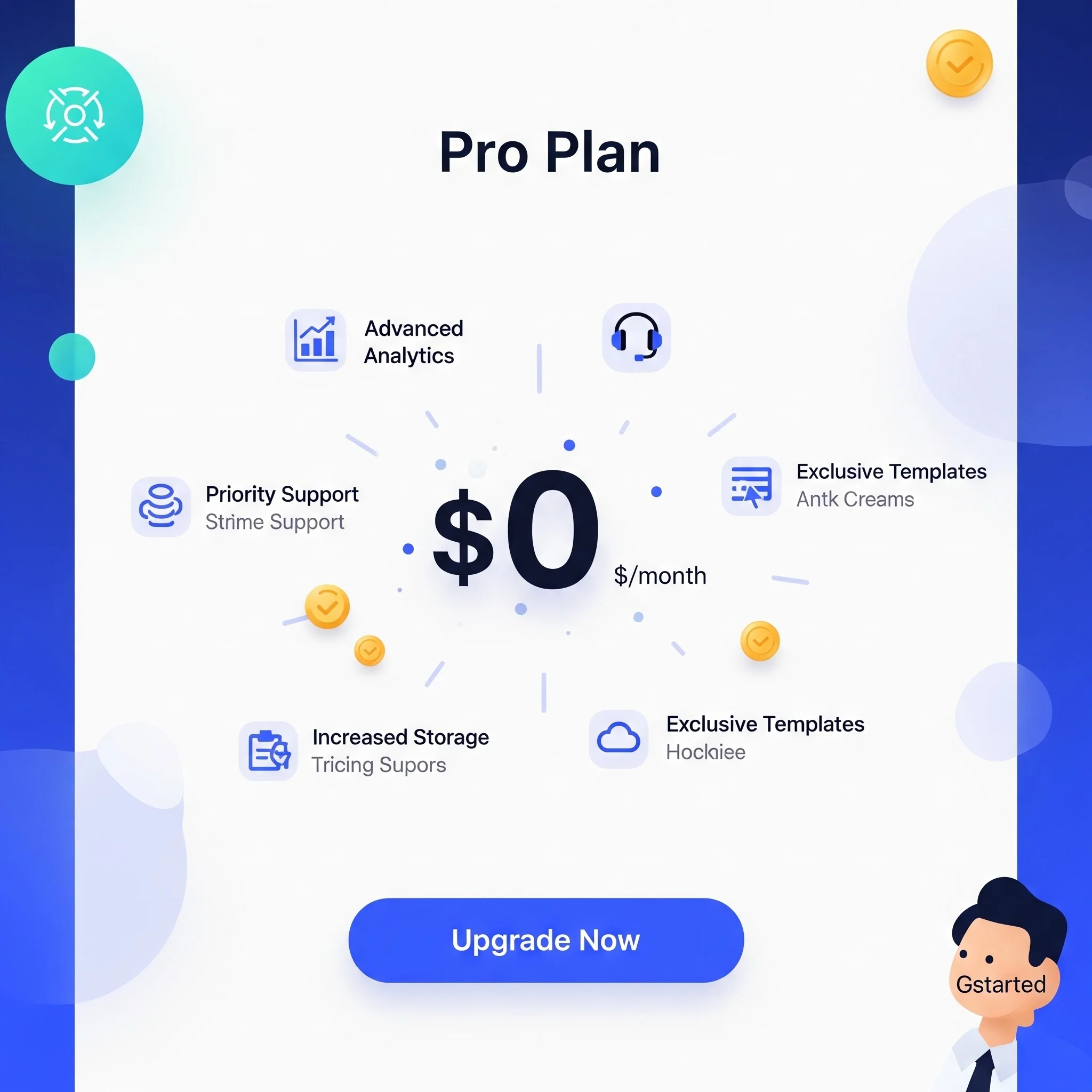
Kiro AI grants access to heavyweight models like Claude Opus, Sonnet, and Haiku. Usually, these models are locked behind the Kiro Pro plan for $20/month. However, for a limited time, Amazon is running an introductory offer where you can claim the first month of Kiro Pro absolutely FREE.
In this guide, I will walk you through exactly how to claim this free month, cancel the recurring billing immediately so you don’t get charged, and — most importantly — how to bridge the Kiro API so you can use Claude Opus directly inside your VS Code via the Claude Code CLI. Let’s get to work.
Step 1: Claiming the Free Kiro Pro Plan
First, we need to secure the Pro account.
- Go to the official Kiro AI website and click Sign In (you can use Google or GitHub).
- Once logged in, navigate to the Plan section. You will see Kiro Pro listed at $20/month. Click Upgrade to Pro.
- You will be redirected to a Stripe checkout page. Because of the current offer, the total due will show as $0.
- Fill in your details and click Subscribe. (Note: If the dashboard doesn’t update immediately, press
Ctrl+Shift+RorCmd+Shift+Ron Mac to hard refresh). - Crucial Step: To avoid getting charged next month, immediately click Update Subscription and downgrade back to Kiro Free. It will confirm that your Pro plan remains active until the end of the current billing cycle.
Step 2: Using the Kiro IDE and Built-in CLI
Kiro offers its own IDE that is a direct fork of VS Code. You can download the desktop app for Windows, Mac, or Linux directly from their site. Once installed, sign in via the browser prompt.
Inside the Kiro IDE, when you open a folder, you have two primary modes:
- Spec Mode: Use this when starting a new project (Plan first, then build).
- Vibe Mode: Use this for existing projects (Chat and build dynamically).
You can select your preferred model from the dropdown. For simple scripts, use cheaper models like DeepSeek. For heavy lifting, select Claude Opus 4.7. Just turn on Autopilot and let it execute!
If you prefer working in the terminal, you can install the Kiro CLI globally. Open a VS Code terminal and paste the install command from their site. Once installed, just type kiro in your terminal, press Enter to authenticate via your browser, and you are ready to go.
Step 3: Bridging Kiro Models into Claude Code (The Ultimate Setup)
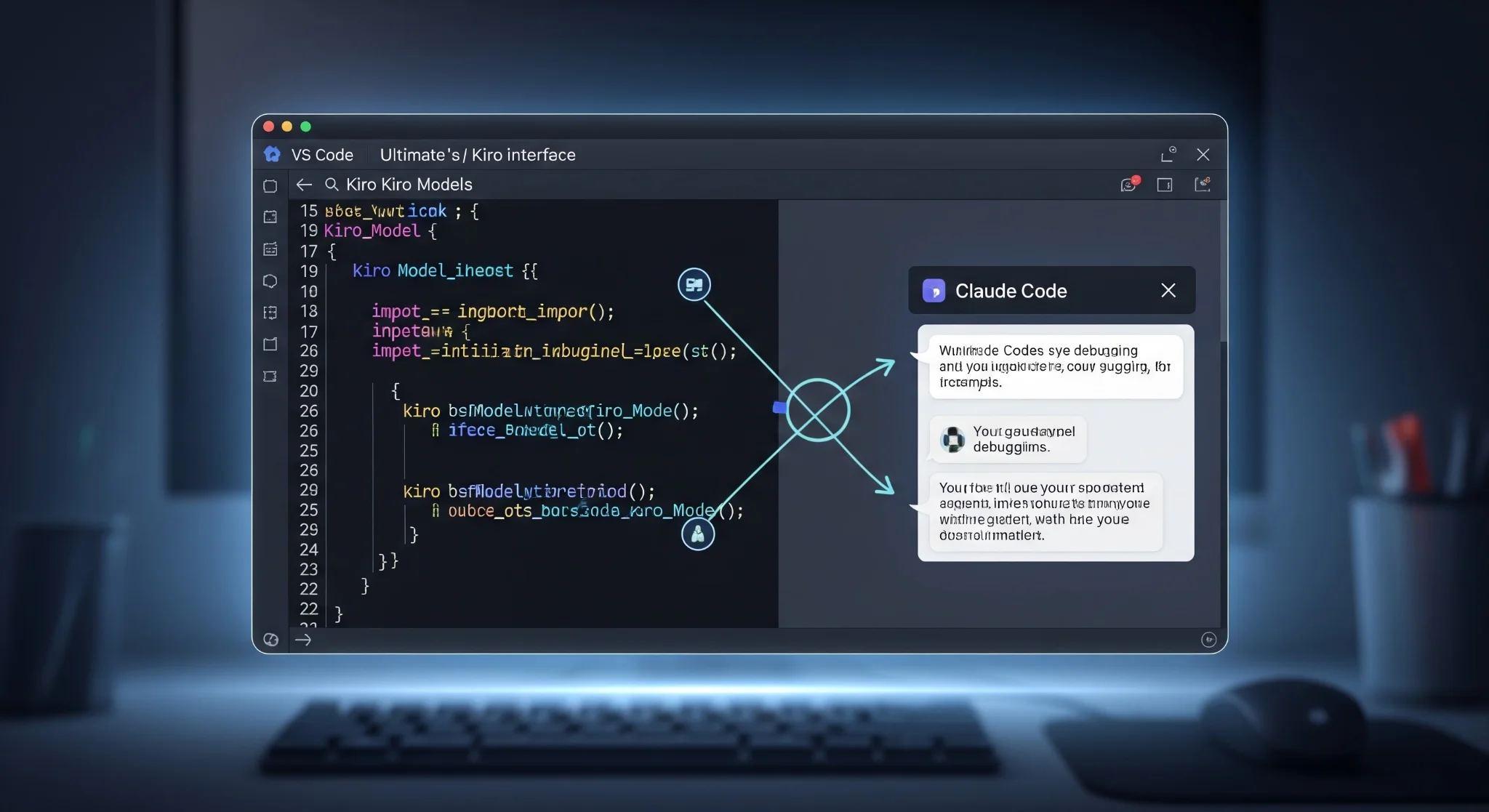
While the Kiro IDE is great, power users often want to use Claude Code natively inside their own customized VS Code setup. To do this, we have to route Claude Code through a local Kiro gateway API.
Prerequisite: Ensure you have Python installed on your machine.
- Install Claude Code: Run the standard NPM installation command for Claude Code in your VS Code terminal.
npm install -g @anthropic-ai/claude-code- Clone the Gateway: Clone the Kiro Gateway repository and cd into the downloaded folder.
git clone https://github.com/your-kiro-gateway-repo
cd kiro-gateway- Install Dependencies: Run the pip install requirements command provided in the repo.
pip install -r requirements.txt-
Configure the Environment: Open the folder in VS Code (
code .). Open the.envfile. Since we are authenticated locally via the Kiro CLI, simply uncomment the JSON line by removing the hashtag (#) and save the file. -
Start the API Server: In the terminal, run
python main.py. Your local API gateway is now running. Keep this terminal open in the background!
python main.pyStep 4: Configuring Claude Code to use the Local Gateway
Now we need to tell Claude Code to point to our local API instead of Anthropic’s official servers.
- Initialize Claude: Open a new terminal tab and type
claudeto generate the configuration files.
claude- Edit Settings: Navigate to your home directory, find the
.claudefolder, and opensettings.json.
~/.claude/settings.json- Inject the Gateway: Paste the custom API routing code (provided in the description) into the JSON file and save it.
{
  "apiBaseUrl": "http://localhost:8000",
  "model": "claude-opus-4.7"
}- Launch and Verify: Go to your project folder, open a terminal, type
claude, and press Enter through the prompts. Once inside the Claude CLI, type/modeland select Opus. Ask the CLI “Which model are you?” to verify it is running Opus 4.7.
Step 5: The Anthropic VS Code Extension
If you prefer a GUI over the CLI inside your regular VS Code, simply install the official Anthropic extension from the marketplace. Click the Claude icon in the sidebar, start a New Session, select your model, and start chatting. Remember, the python main.py gateway script must remain running in the background for this to work!
Conclusion
By taking advantage of Amazon’s launch offer and running a local gateway, you can access top-tier models like Claude Opus completely free of charge directly within your preferred development environment. Act fast, as these promotional windows usually close quickly once the community catches on.
If you want to master Claude Code in 30 minutes, check out my previous video. Keep compiling the future!
Further Reading
- Hermes Agent: The Self-Improving AI Agent
- DeepSeek TUI: The Free Terminal Coding Agent
- Best AI Tools for 2026: Apex, Claude, Gemini & More
- Antigravity 2.0: Google’s Forced Pivot to AI-Native IDEs
- Best Free AI Tools You Can Use Right Now
Official Resources
SimpleAIGuide.tech — Making AI Understandable for Everyone
Written by Simple AI Guide Team
We are a team of AI enthusiasts and engineers dedicated to simplifying artificial intelligence for everyone. Our goal is to help you leverage AI tools to boost productivity and creativity.
Personally Tested by Our Team
This article and all recommended tools were reviewed with real prompts, hands-on checks, and editorial QA before publishing.
Testing Methodology
We test each AI tool using standardized prompts across 5 categories: accuracy, speed, ease of use, value, and unique features.
Content Last Updated
Last reviewed and updated on May 27, 2026. We'll update again when new versions are released.
Discussion
Comments powered by Supabase
Continue Reading
Related Articles
5 AI Business Ideas for Teenagers in 2026 (No Code, No Capital, No Excuses)
Discover 5 proven AI business ideas teenagers can start in 2026 with zero coding skills and no startup capital. Step-by-step guide to building real income from your laptop using no-code AI tools.
Read moreThe Best AI Tools for 2026 (Apex, Claude, Gemini & More)
Discover the best AI tools to make money and scale your business in 2026. We rank Apex AI, Claude, Gemini, and more based on real-world ROI and automation.
Read moreHermes Agent: The AI Agent That Grows With You
Discover why developers are switching from Claude Code to Hermes Agent. Complete guide to Nous Research's open-source AI agent with memory and skill systems.
Read more