Top 5 AI Study Tools to Score 95%+ Without Studying 24/7 (Smart Work Hacks)
On This Page
- The Topper’s Secret: Smart Work Over Hard Work
- 1. NotebookLM: Your Ultimate Revision Companion
- 2. ChatGPT: Your 24/7 Personal Tutor
- 3. Perplexity AI: The Ultimate Research Assistant
- 4. Grammarly: Perfect Your English & Professional Tone
- 5. Notion AI: The Unbeatable Schedule Manager
- 6. Claude AI: Master of Presentations and Summaries
- Conclusion
- Further Reading
Key Takeaways
- NotebookLM turns study materials into interactive audio podcasts, mind maps, flashcards, and quizzes based strictly on your uploaded content
- ChatGPT acts as a 24/7 personal tutor that explains complex topics in simplified language and generates custom practice questions
- Perplexity AI provides research-backed answers with reliable citations, saving hours of scrolling through search results
- Grammarly perfects essay writing with grammar fixes, vocabulary enhancement, and tone adjustment for professional communication
- Notion AI and Claude AI together manage study schedules and create presentation structures from large documents
🚀 Top 5 AI Tools to Score 95%+ Without Studying 24/7 (Smart Work Hacks)
🔗 Back to Home: SimpleAIGuide.tech 📚 Explore More Guides:
- Best AI Tools 2026 (Apex, Claude, Gemini, Revio)
- 5 AI Business Ideas for Teenagers in 2026
- Is the AI Bubble About to Pop?
- DeepSeek TUI — Open Source Rust AI Coding Agent
Boost your productivity, manage your schedule, and study smarter.
The Topper’s Secret: Smart Work Over Hard Work
“Bro, I just did a little bit of smart work and scored 98%.” We have all heard toppers say this. But what they don’t tell you is how they are actually increasing their productivity. Nobody tells you how they quickly revise the entire syllabus at the last minute, where they get their practice questions, or how they manage to study for long hours while still having fun.
Today, I am going to share 5 to 6 AI tools that will skyrocket your productivity, time management, and overall performance, helping you easily target that 95%+ mark. Make sure to share this with your friends who are still struggling with the concept of ‘smart work’. The days of begging your friends for their study schedules are over!
You might be wondering, “How can AI help me study?” You have a massive syllabus, a short attention span, and a habit of forgetting what you just read. These tools will help you build focus, track your progress, improve your grammar, and make studying feel as engaging as listening to a podcast.
Disclaimer: Use these tools to aid your learning, not replace it! Do not just copy-paste answers for your homework. Use AI to understand concepts and identify where you are lagging, but keep your brain active. If you rely solely on AI, you might miss out on specific curriculum details.
1. NotebookLM: Your Ultimate Revision Companion
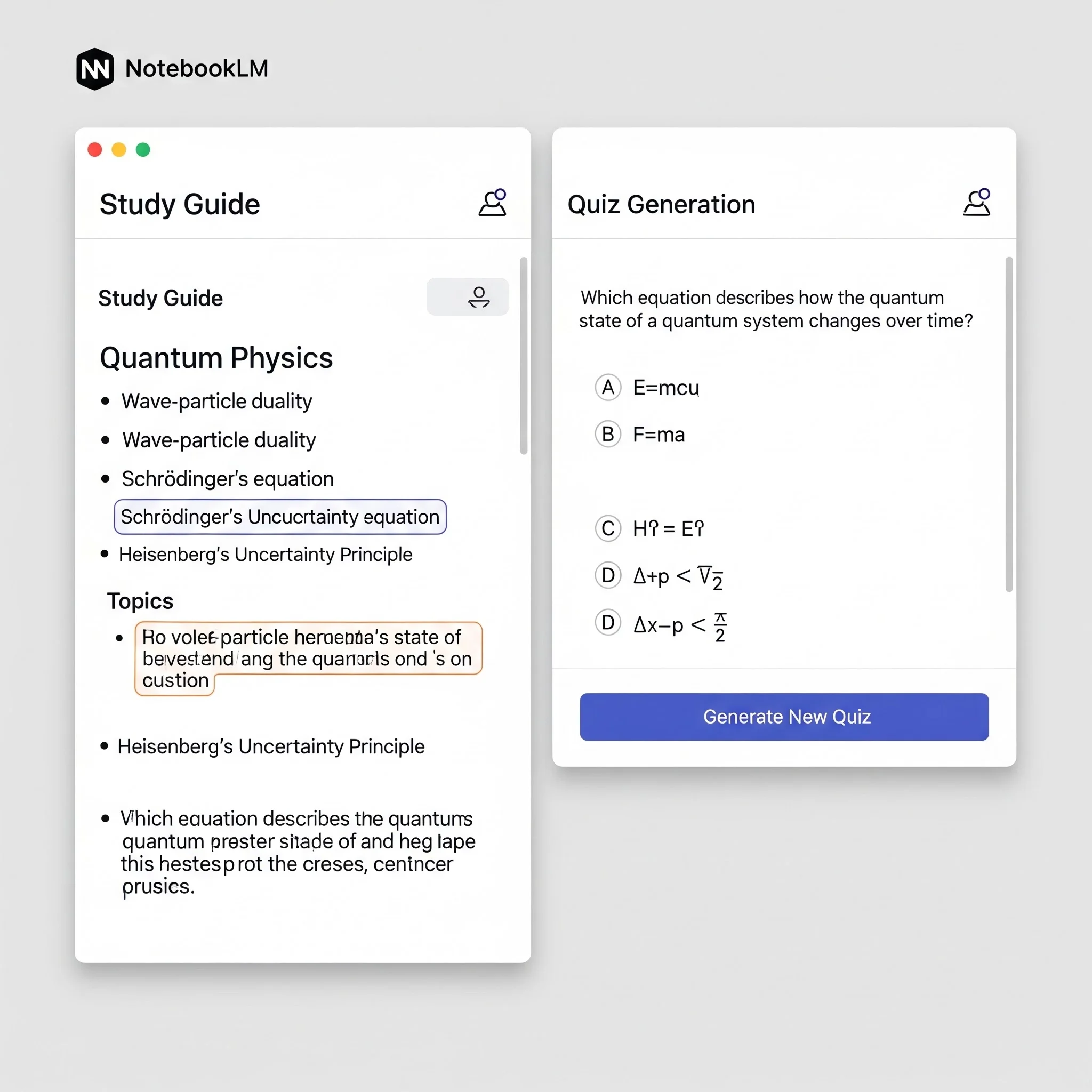
Are you tired of reading the same boring, faded notes all year? NotebookLM changes the game. You upload your study material (PDFs, docs), and it turns it into an interactive study hub. Keep in mind, you should upload authentic sources like your NCERT textbooks or teacher’s notes, not random internet PDFs.
Here is what NotebookLM can generate from your notes:
- Audio Podcasts: Listen to your notes on the go.
- Mind Maps: Visual breakdowns of complex topics.
- Flashcards & Quizzes: Automatically generates tests based strictly on your uploaded material.
- Quick Summaries: Prompt it to ‘Create highly simplified quick notes highlighting key terms.’
Pro Tip: If you need notes strictly from the textbook, you can ask NotebookLM to leave spaces in the output. Then, take a screenshot of the specific NCERT diagram, hop into Canva, and paste the authentic diagram right into your digital notes for perfect accuracy!
Official site: NotebookLM
2. ChatGPT: Your 24/7 Personal Tutor
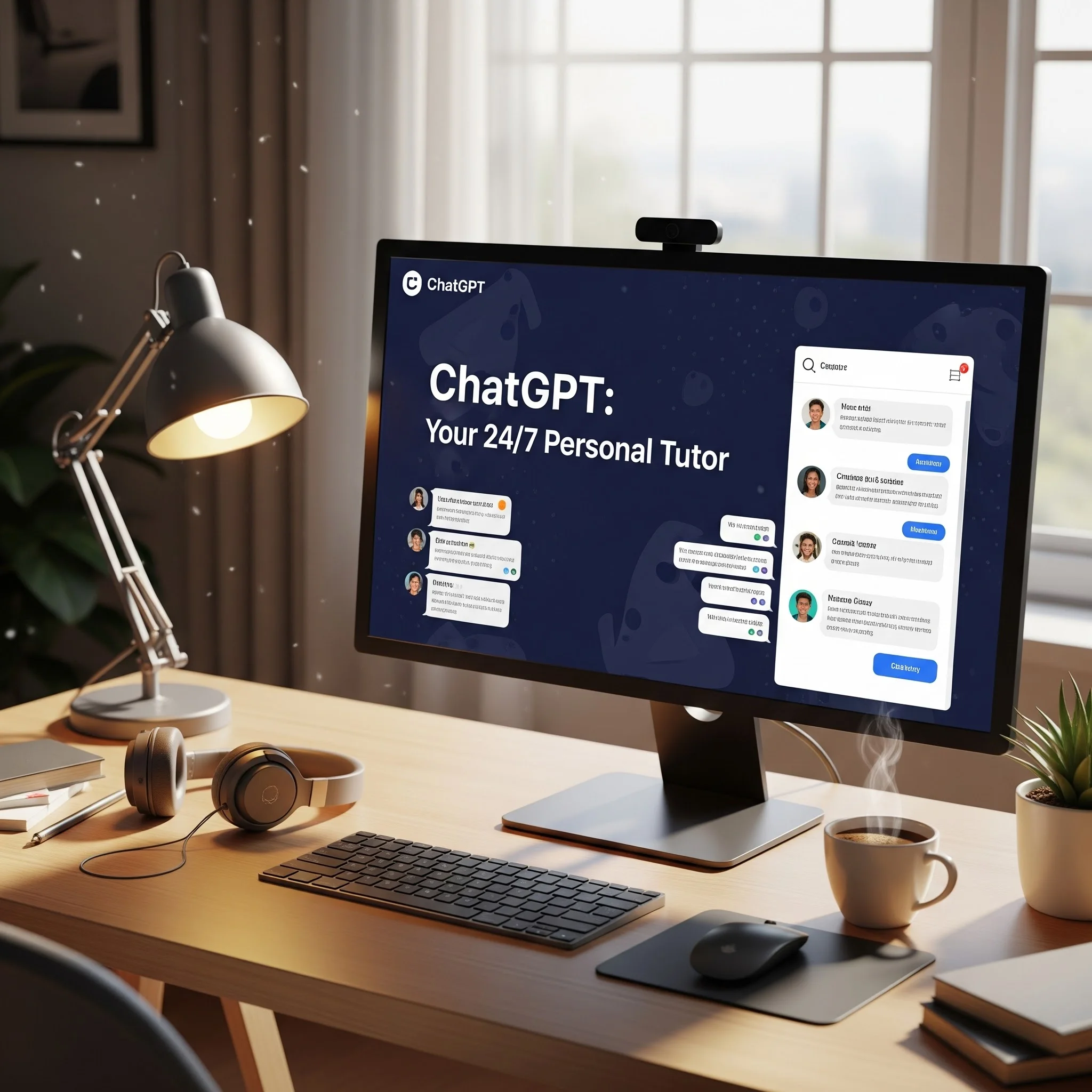
Think of ChatGPT as your personal AI tutor. If you are reading a textbook and hit a paragraph that makes no sense, simply take a screenshot or copy the text, paste it into ChatGPT, and use a prompt like:
“Explain this to me in a simplified language. I am a Class 12 Biology student.”
But it does much more than explain. You can upload a section of a PDF and ask it to generate practice questions based only on that text. You can also upload your written answers and ask, “How can I improve this answer and format it better in points?” It helps you refine your content and test yourself efficiently.
Official site: ChatGPT
3. Perplexity AI: The Ultimate Research Assistant
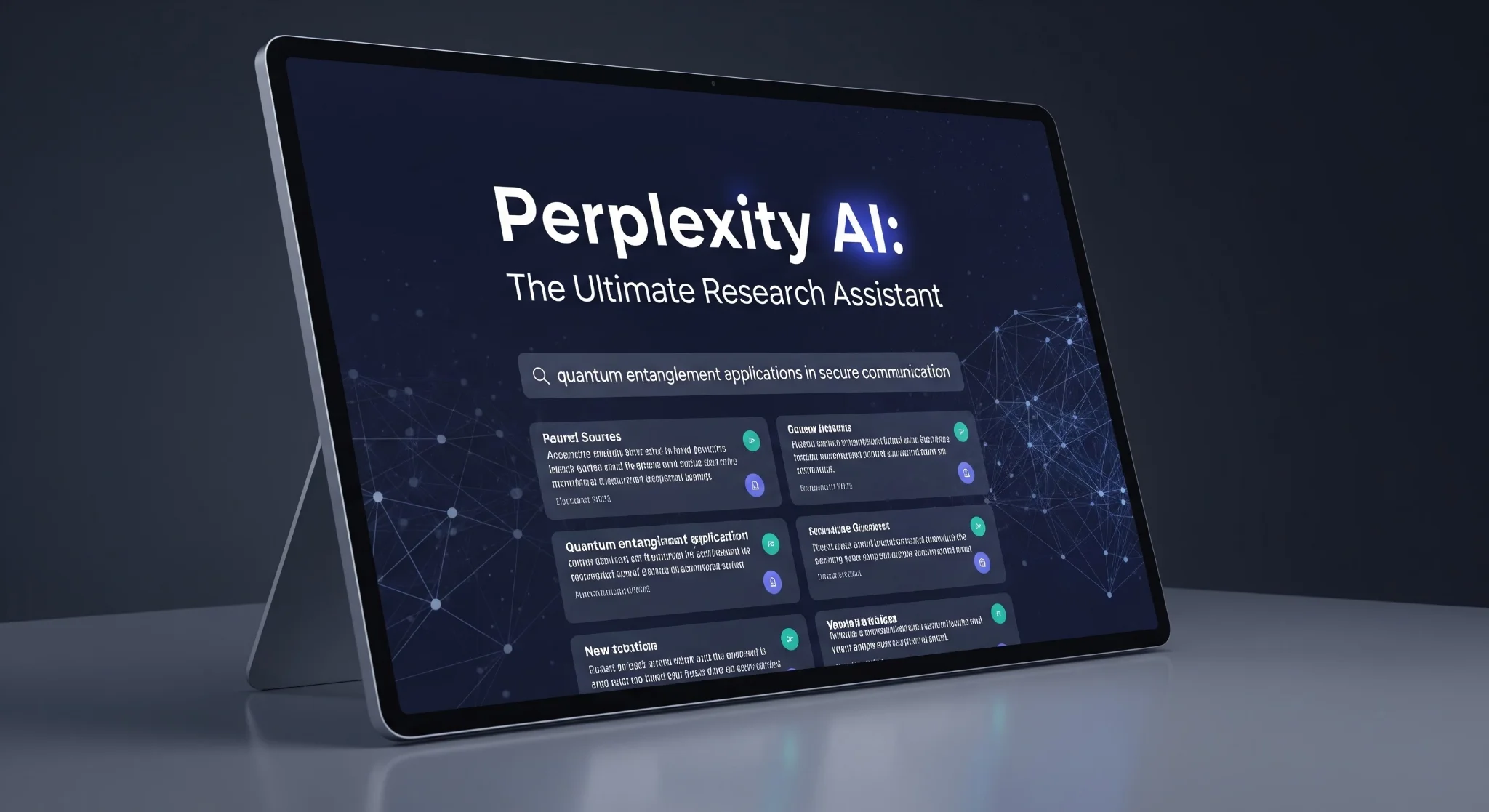
Got a massive summer vacation project or a research report, and you have no idea which sources to trust? Perplexity is your savior. Unlike standard search engines, it provides direct answers backed by reliable citations.
Use this prompt:
“Give me the latest information on [Topic] with reliable sources and a simple explanation.”
It will generate a detailed summary with 2-3 authentic source links attached to every claim. This saves hours of blindly scrolling through Google and ensures your school projects and reports are factually accurate and well-researched.

Official site: Perplexity AI
4. Grammarly: Perfect Your English & Professional Tone
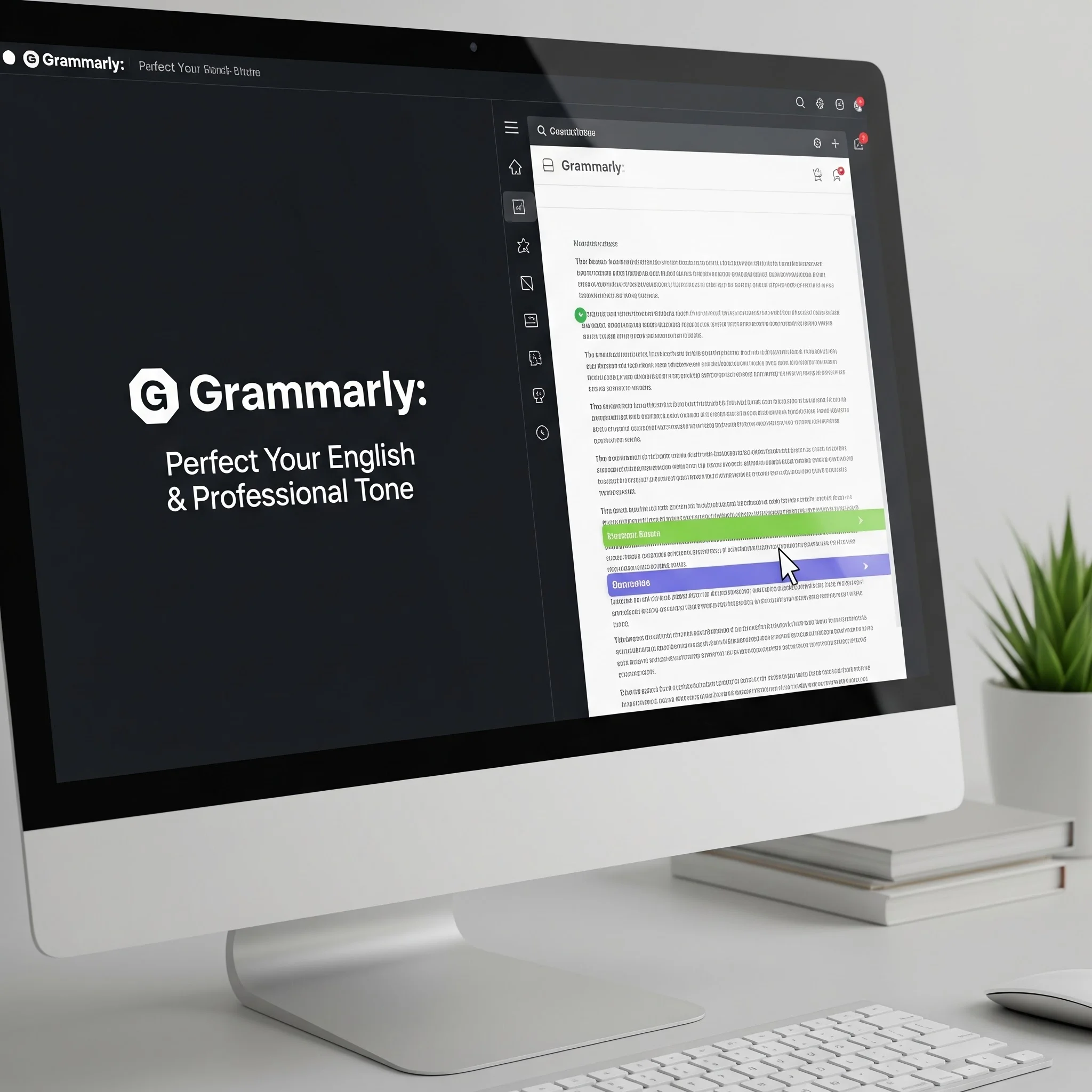
Struggling with essay writing or drafting formal emails for internships? Grammarly is essential. Just paste your essay, short story, or article, and it will instantly highlight and fix grammatical errors.
Beyond basic grammar, it has a vocabulary enhancement feature. It suggests better synonyms to elevate the quality of your writing. Furthermore, you can use it to adjust your ‘tone.’ If you are writing an email to a teacher or an internship coordinator, you can prompt the AI to make the tone “professional and humble, but not pleading.” You will naturally learn better sentence structuring just by seeing its corrections.
Official site: Grammarly
5. Notion AI: The Unbeatable Schedule Manager
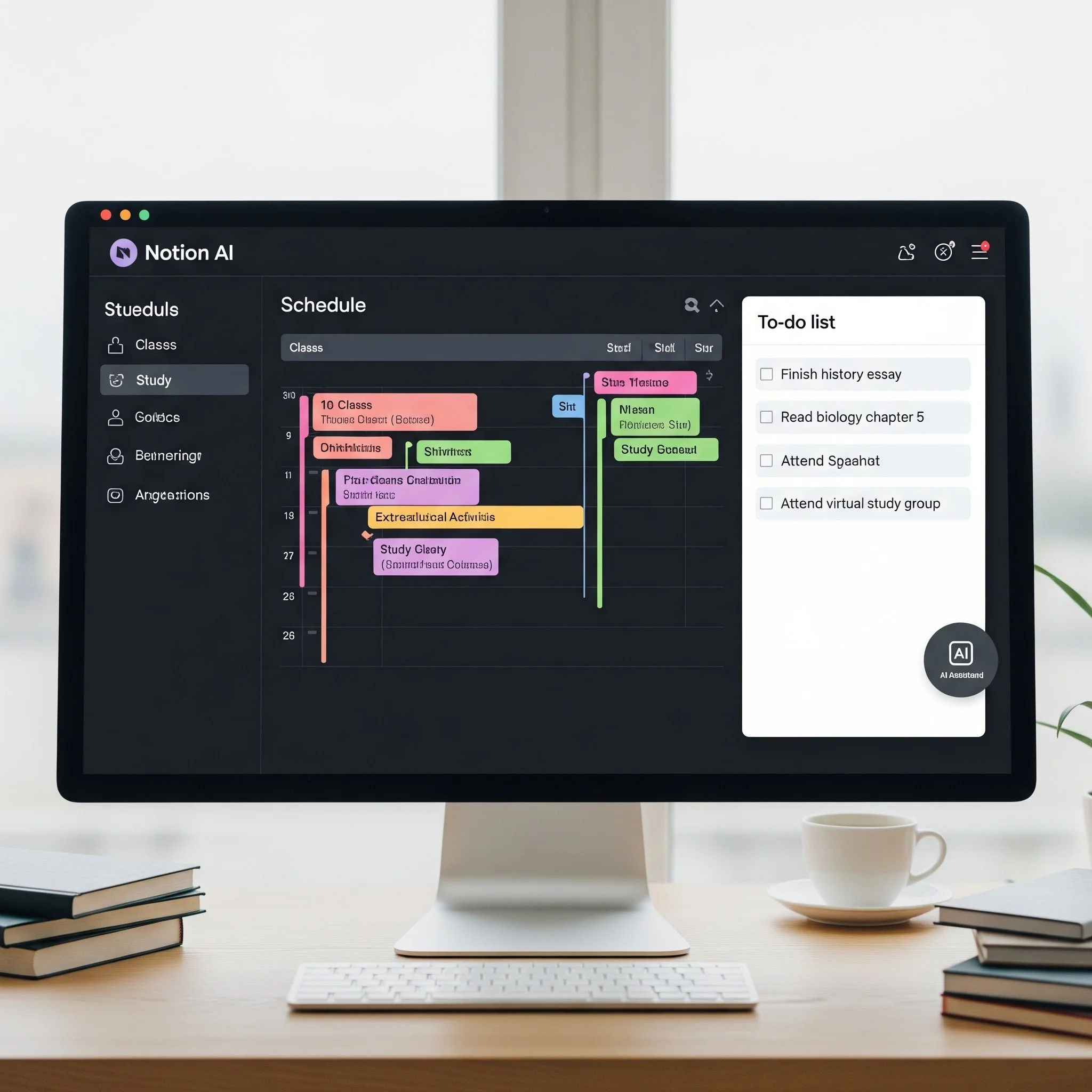
We all make to-do lists on a piece of paper, follow them for two days, and then lose the paper. Notion AI solves the consistency problem by keeping your entire life organized on a digital dashboard available on your phone and laptop.
You can track your weekly schedule, monitor your performance across subjects, and even upload and summarize your notes. The best part is the dynamic To-Do list. Ticking off tasks builds momentum and prevents laziness.
Notion AI can even build your schedule for you! Just prompt it:
“Create an ideal study schedule where I can rest for 1 hour after 2 PM, finish one full chapter by the evening, and sleep by 11 PM.”
It will map out your day. Just add it to your to-do list and start ticking the boxes.
Official site: Notion AI
6. Claude AI: Master of Presentations and Summaries
If you have a massive document to summarize or need creative ideas for a case study analysis, Claude AI is fantastic. It handles large contexts beautifully.
It is also a lifesaver for school presentations. Use a prompt like:
“Create a 10-slide presentation structure on the Male Reproductive System for Class 12. Use simple language based strictly on NCERT.”
Claude will give you the perfect flow and content for each slide. You can then take that outline, hop onto Canva, add some aesthetic fonts and elements, and you have a top-tier presentation ready in minutes. You can even save these presentations as PDF notes and upload them to your Notion for easy phone revision!
Official site: Claude AI
Conclusion
By combining these AI tools, you can completely transform your study habits. You get active recall through custom quizzes, perfect schedules without the mental effort, and deep explanations whenever you get stuck. This is how you make long study hours fly by!
Stop wasting time and start studying smarter. Let me know in the comments which tool you found the most helpful!
Further Reading
- NotebookML Official Guide
- ChatGPT for Students
- Perplexity AI Research
- Grammarly Writing Assistant
- Notion AI Productivity
- Claude AI by Anthropic
Written by Simple AI Guide Team
We are a team of AI enthusiasts and engineers dedicated to simplifying artificial intelligence for everyone. Our goal is to help you leverage AI tools to boost productivity and creativity.
Personally Tested by Our Team
This article and all recommended tools were reviewed with real prompts, hands-on checks, and editorial QA before publishing.
Testing Methodology
We test each AI tool using standardized prompts across 5 categories: accuracy, speed, ease of use, value, and unique features.
Content Last Updated
Last reviewed and updated on May 23, 2026. We'll update again when new versions are released.
Discussion
Comments powered by Supabase
Continue Reading
Related Articles
The Best AI Tools for 2026 (Apex, Claude, Gemini & More)
Discover the best AI tools to make money and scale your business in 2026. We rank Apex AI, Claude, Gemini, and more based on real-world ROI and automation.
Read moreHow to Master Prompt Engineering: A Complete Guide to Getting Better Results from AI (2025 Edition)
Why do some people get mind-blowing results from AI while others get generic, boring responses? Learn the world-building techniques used by pros.
Read moreSystem Prompts vs User Prompts: The Hidden Control Layer of AI Models
Why do some AI answers feel smarter? The secret isn't the model—it's the System Prompt. Learn how this hidden layer controls AI behavior, safety, and tone.
Read more